Blazing fast implementation, backed by 74+ martech, data and growth stacks*
Google Tag Manager consultants for tags that fire when they should
As your Google Tag Manager consultant, we audit, clean up or build your container on a data layer your developers can maintain: GA4, Google Ads, Meta, LinkedIn and other tags, consent mode and server-side tagging, each one tested before we publish.
Google Tag Manager specialists who design the data layer, build every tag on it and test each one in preview, so your container stays clean after we leave.
Container audit
Every tag, trigger and variable checked for what fires, what duplicates, what is dead and what leaks personal data. See common GTM mistakes.
Data layer spec
A data layer your developers can implement and keep stable: page, user, product and transaction data pushed once and named once.
GA4 and ad tags
GA4, Google Ads, Meta, LinkedIn and TikTok tags firing from the data layer with the right values and IDs.
Consent mode
Tags wired to your cookie banner with Consent Mode v2, so nothing fires before it should and Google still models what it can.
Server-side tagging
A server-side container on your own subdomain where it pays off, for longer-lived first-party data and fewer lost conversions.
Naming and governance
Naming rules, folders, workspaces, publishing rights and version notes, so the next person can see what changed and why.
Ask Tag Manager what is firing, and let agents check every release
With your container connected to Claude over MCP, your team asks what a tag does, what triggers it and what changed in the last version, and agents audit the container after each publish.
“Which tags in the live container have no trigger, or fire on every page?”
Reads the container over MCP
“What changed between the last two published versions, and who published them?”
Reads container versions over MCP
“List every tag that can fire before analytics consent is granted.”
Checks tags against consent settings
Which tags in the live container have no trigger, or fire on every page?. Reads the container over MCP.
What changed between the last two published versions, and who published them?. Reads container versions over MCP.
List every tag that can fire before analytics consent is granted.. Checks tags against consent settings.
Tag Manager with MCP
Your container connected to Claude or Claude Code through a Google Tag Manager MCP server, read-only by default, with publishing left to people.
Release checks
Agents that compare each new version with the last and flag removed tags, changed triggers and new tags that ignore consent.
A documented container
Every tag, trigger and variable named and described, so AI and new team members can read the container without guessing.
Data you can trust downstream
Clean tags mean GA4, Google Ads and Meta count the same events, so the AI answers built on them agree.
With every implementation
Yours after handover
The MCP access, the agents and the docs live in your own accounts. Your team runs it all with AI, without depending on us.
No retainer needed
A one-time setup at a fixed price. There is no monthly retainer to keep it running, so your costs go down over time.
Right from day one
Anyone can set up a tool with AI, but it's only as good as what the AI guesses. We know what works from 74+ implementations.
Free martech AI agent
Every implementation includes it: slash commands and skills that run your whole stack in Claude Code.
Tag Manager is where tracking meets every other tool. We wire each one from the same data layer, so they all see the same events.
GA4
GA4 events and key events from the data layer, with consent and cross-domain tracking set. See GA4 consulting.
Google Ads
Conversion tags with values and enhanced conversions, deduplicated by transaction ID.
Meta, LinkedIn and TikTok
Pixels in the browser and, where it matters, conversions API events from the server, with shared event IDs for deduplication. See LinkedIn Conversions API.
Product analytics
Mixpanel, Amplitude or PostHog fed from the same data layer, so product and marketing events share names.
Cookiebot, OneTrust or Usercentrics wired to consent mode and to every non-Google tag. See consent management platforms.
What's not included
So the fixed price covers exactly what we build, and nothing comes as a surprise later.
Tag Manager 360 and hosting
Standard Tag Manager is free. Tag Manager 360 and server-side hosting are billed by Google or your host. See Google Tag Manager pricing.
Weekly tag requests
We build what your launch needs and train your team. New tags every week afterwards are retainer work.
Site development
We write the data layer spec and help your developers add it. Changing your site's code or templates is not part of this.
Sound familiar?
Hundreds of tags, nobody knows which matter.
Agencies came and went, the container stayed.
Conversions fire twice.
Or not at all after the last site release.
Tags fire before consent.
A legal problem waiting to be found.
Every new event needs a developer.
Because there is no data layer to build on.
We clean up the container, build tags on a data layer your developers can keep stable, wire everything to consent, and test each tag in preview before publishing, so tracking stops breaking with every release.
A free call on your site and container, or the $99 audit for a written review of every tag that matters.
02
Pick a package
Compare the fixed price packages, then get the detailed scope by email within one business day.
03
Data layer and tag plan
The data layer spec and the list of tags, triggers and consent rules, agreed before anything is published.
04
Build in a workspace
Tags built in a separate workspace, never straight in the live container.
05
Test in preview
Every tag checked in preview mode and in each platform, then published with a version note.
06
Hand over
A documented container, naming rules and a walkthrough, plus your martech AI agent and support after launch.
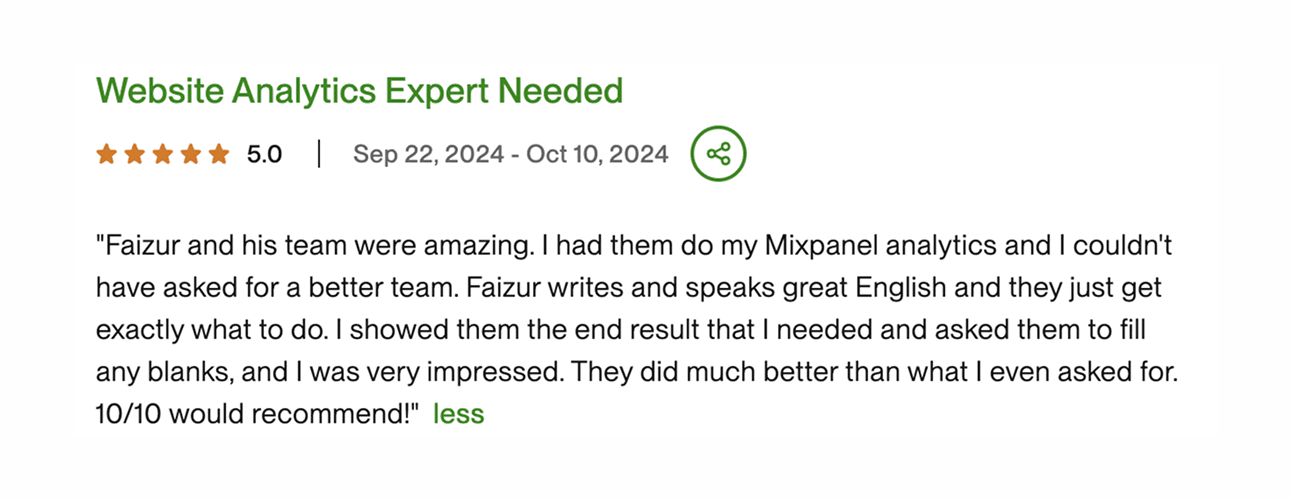
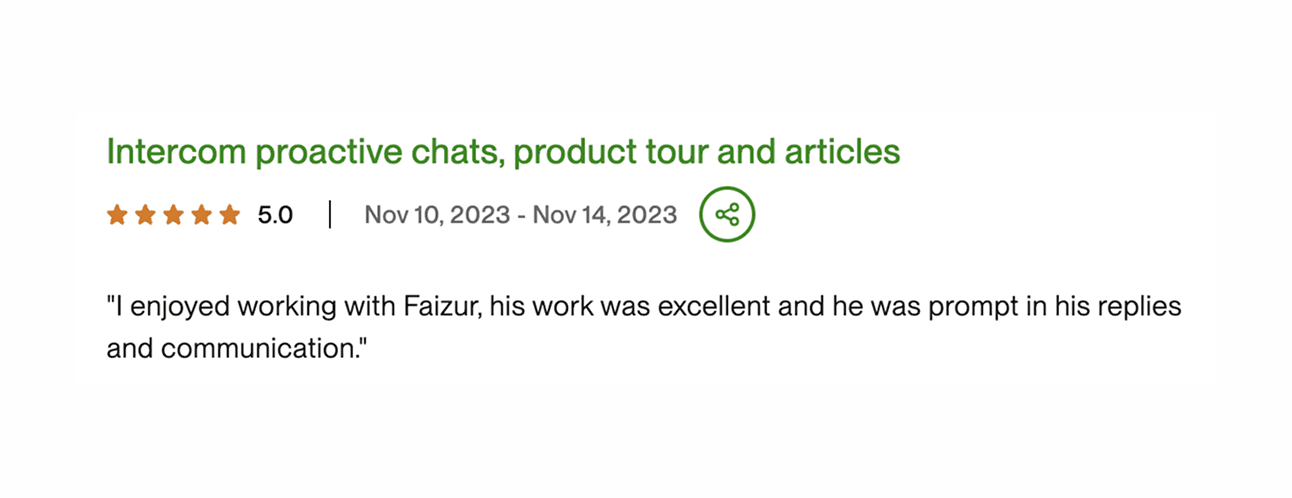
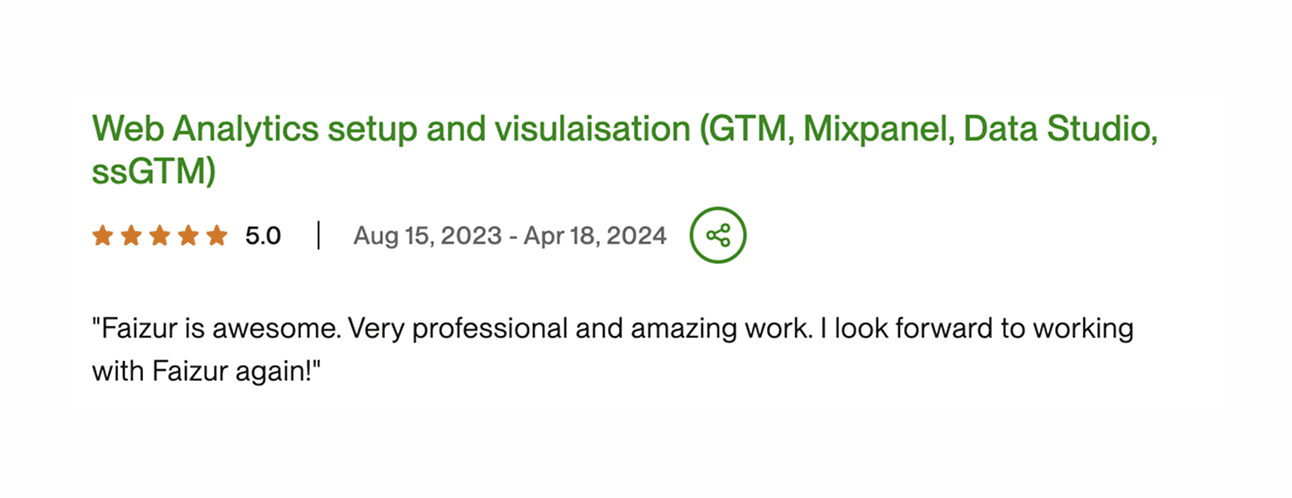
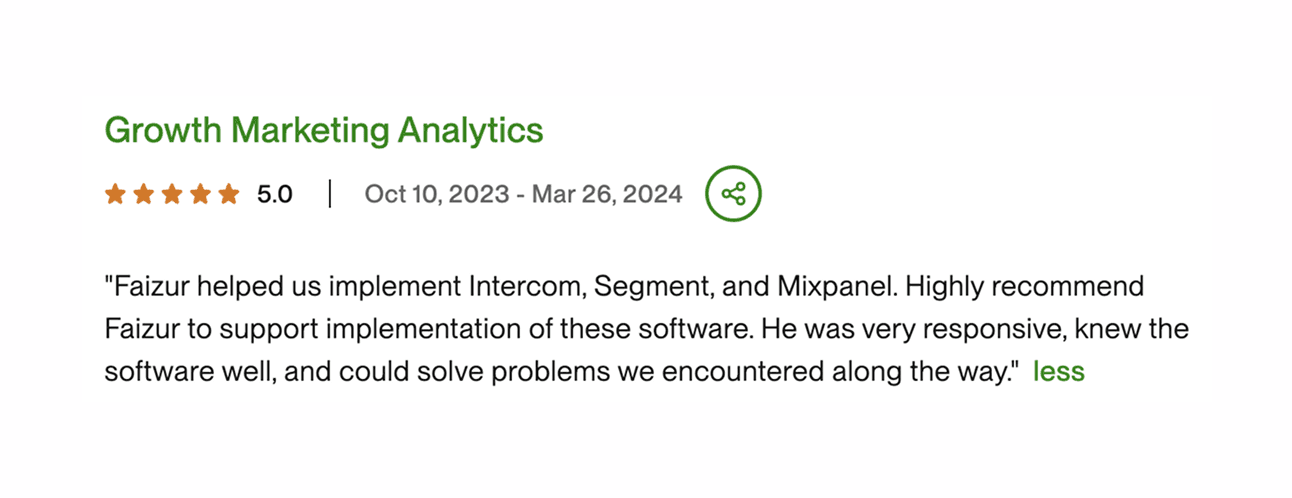
Don't take our word for it. Hear it from the founders who handed us their stack.
🔇 Click for sound
JB Jaquenzel
Founder and CEO, Evaboot
“Faizur helped us transfer Google Analytics conversion events to Google Ads via Segment. We set that up within two or three weeks. Now we have a clear vision of our conversions and we could optimize our campaigns like this. Because if your tracking is not on point, you can't really improve your Google Ads performance.”
GA4
Segment
Google Ads
🔇 Click for sound
Elie
CMO, Submagic
“We have worked with Faizur and his agency for the past six months to set up all the growth stack that we needed. All the marketing analytics tools like Mixpanel, Google Analytics, data tracking tool, customer analysis tool like Customer.io, and every kind of tool that we needed. He's always ready to help and super reactive. I highly recommend to work with him.”
Mixpanel
Customer.io
GA4
🔇 Click for sound
Arman Assadi
CEO, Steno.ai
“We worked with Faizur when we wanted to set up Mixpanel. What I loved was how detail-oriented he was, and that he wasn't just there to accomplish that one task. He was able to advise us. He suggested setting up Segment and he thought about everything at a macro level, all the way down to the micro. It gave me confidence to outsource this.”
Mixpanel
Segment
🔇 Click for sound
Gabriel
Operations, MKTV
“We recently had the pleasure of working with Faiz on our integration of Segment. Not only did he help us seamlessly set up the integration, but he also went above and beyond to help us establish dashboards in Mixpanel. What was super valuable was having somebody who understood both the business/marketing requirements but also had the technical expertise to execute them.”
Segment
Mixpanel
🔇 Click for sound
JB Jaquenzel
Founder and CEO, Evaboot
“Faizur helped us transfer Google Analytics conversion events to Google Ads via Segment. We set that up within two or three weeks. Now we have a clear vision of our conversions and we could optimize our campaigns like this. Because if your tracking is not on point, you can't really improve your Google Ads performance.”
GA4
Segment
Google Ads
🔇 Click for sound
Elie
CMO, Submagic
“We have worked with Faizur and his agency for the past six months to set up all the growth stack that we needed. All the marketing analytics tools like Mixpanel, Google Analytics, data tracking tool, customer analysis tool like Customer.io, and every kind of tool that we needed. He's always ready to help and super reactive. I highly recommend to work with him.”
Mixpanel
Customer.io
GA4
🔇 Click for sound
Arman Assadi
CEO, Steno.ai
“We worked with Faizur when we wanted to set up Mixpanel. What I loved was how detail-oriented he was, and that he wasn't just there to accomplish that one task. He was able to advise us. He suggested setting up Segment and he thought about everything at a macro level, all the way down to the micro. It gave me confidence to outsource this.”
Mixpanel
Segment
🔇 Click for sound
Gabriel
Operations, MKTV
“We recently had the pleasure of working with Faiz on our integration of Segment. Not only did he help us seamlessly set up the integration, but he also went above and beyond to help us establish dashboards in Mixpanel. What was super valuable was having somebody who understood both the business/marketing requirements but also had the technical expertise to execute them.”
Segment
Mixpanel
🔇 Click for sound
JB Jaquenzel
Founder and CEO, Evaboot
“Faizur helped us transfer Google Analytics conversion events to Google Ads via Segment. We set that up within two or three weeks. Now we have a clear vision of our conversions and we could optimize our campaigns like this. Because if your tracking is not on point, you can't really improve your Google Ads performance.”
GA4
Segment
Google Ads
🔇 Click for sound
Elie
CMO, Submagic
“We have worked with Faizur and his agency for the past six months to set up all the growth stack that we needed. All the marketing analytics tools like Mixpanel, Google Analytics, data tracking tool, customer analysis tool like Customer.io, and every kind of tool that we needed. He's always ready to help and super reactive. I highly recommend to work with him.”
Mixpanel
Customer.io
GA4
🔇 Click for sound
Arman Assadi
CEO, Steno.ai
“We worked with Faizur when we wanted to set up Mixpanel. What I loved was how detail-oriented he was, and that he wasn't just there to accomplish that one task. He was able to advise us. He suggested setting up Segment and he thought about everything at a macro level, all the way down to the micro. It gave me confidence to outsource this.”
Mixpanel
Segment
🔇 Click for sound
Gabriel
Operations, MKTV
“We recently had the pleasure of working with Faiz on our integration of Segment. Not only did he help us seamlessly set up the integration, but he also went above and beyond to help us establish dashboards in Mixpanel. What was super valuable was having somebody who understood both the business/marketing requirements but also had the technical expertise to execute them.”
Segment
Mixpanel
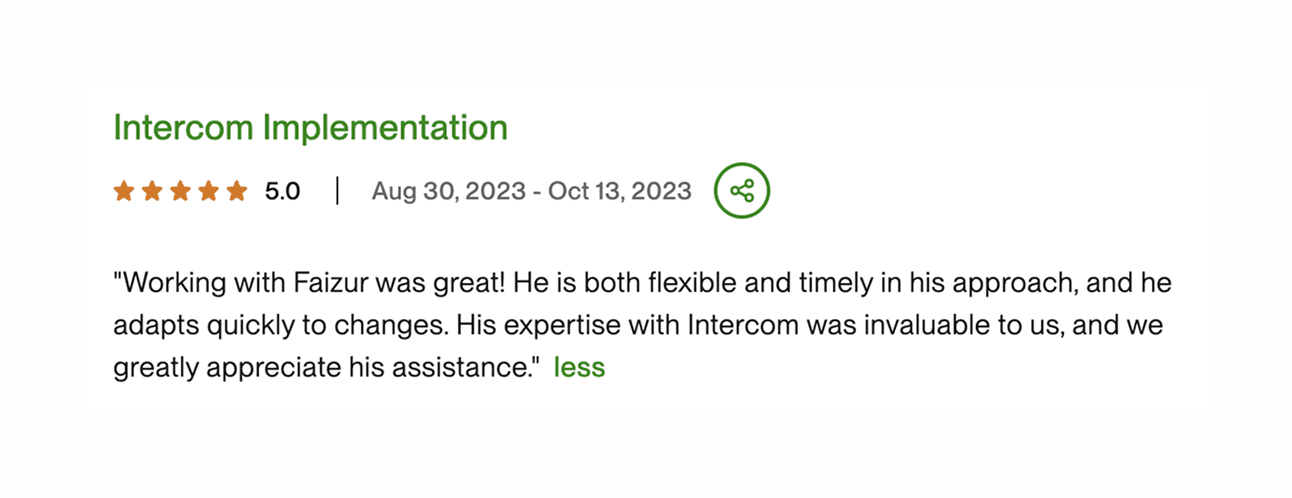
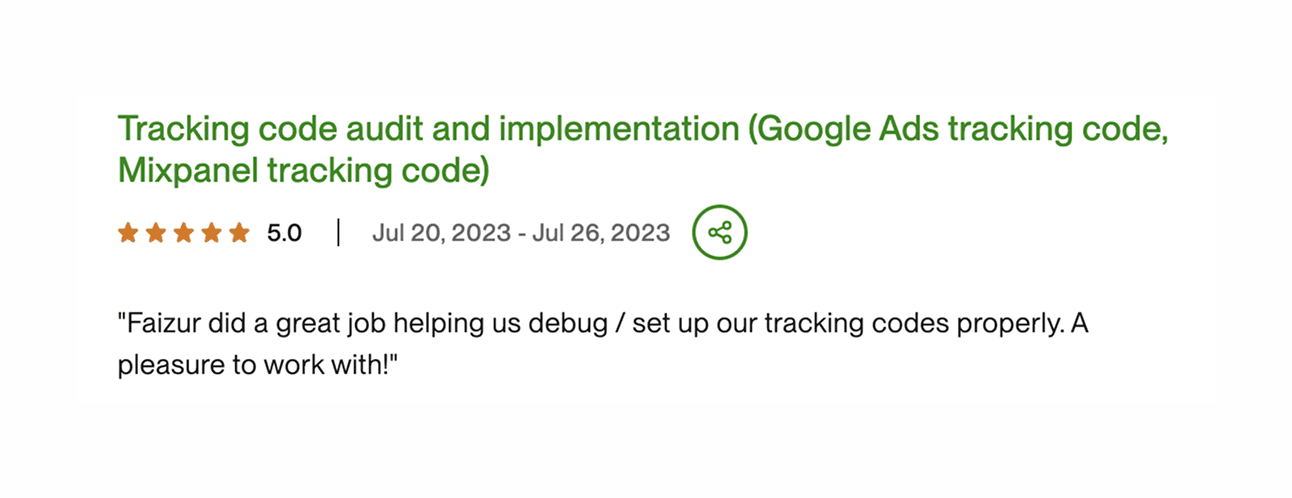
Reviews onUpwork
Google Tag Manager consulting at a fixed price
A Tag Manager setup or cleanup with GA4, ad tags and consent mode comes in Starter: $4,800 (25% off $6,400), live in 4 weeks, or 2 weeks on super fast. Server-side tagging comes in Growth: $12,150 (25% off $16,200), live in 12 weeks. Not sure where to start? The $99 audit ends with a fixed price proposal.
Eligible startups get 40% off instead of 25%. Starter comes to $3,840 and Growth to $9,720.
Martech audit
Before you commit to a plan
$99one-off
We review your setup and walk you through the findings on a one-hour specialist call.
The report comes within a day
A proposal at a fixed price
Tracking and tags reviewGA4, Google Tag Manager etc.
Ad conversions reviewGoogle Ads, Meta, LinkedIn etc.
CRM and lifecycle reviewHubSpot, Salesforce, Braze etc.
Warehouse and reporting reviewSnowflake, BigQuery, dbt etc.
A written assessment of where you stand
A one-hour call with a martech specialist
What to fix first, in order
A proposal for the next step, at a fixed price
Starter
Teams of up to about 20 people, under $1M ARR
$4,800one-off
$6,40025% off
Get started with tracking, analytics and a proper data setup.
Live in 4 weeks
30 days of support, up to 10 hours
One tracking plan, named the same in every tool
Web analytics and tagsGA4, Google Tag Manager, Consent Mode etc.
Ad conversion trackingGoogle Ads, Meta, LinkedIn, TikTok etc.
Product analyticsMixpanel, Amplitude, PostHog etc.
Leads and signups in your CRMHubSpot, Salesforce, Attio etc.
Data pipeline into a warehouseFivetran, Airbyte, Snowflake, BigQuery etc.
First dashboardsLooker Studio, Metabase etc.
Your martech AI agentClaude Code skills for your stack
Docs and a handover call
Growth
Companies with $1M to $10M ARR
$12,150one-off
$16,20025% off
The data setup a growing team runs its marketing and reporting on.
Live in 12 weeks
90 days of support, up to 30 hours
Everything in Starter, plus
Server-side trackingserver-side GTM, Meta CAPI, Enhanced Conversions etc.
CRM and marketing automationHubSpot, Salesforce, Intercom etc.
Lifecycle messagingBraze, Customer.io, Klaviyo, CleverTap etc.
Support automationIntercom, Fin, Zendesk etc.
Warehouse models and CDPdbt, Segment, RudderStack etc.
Dashboards and attributionLooker Studio, Metabase, Tableau etc.
Audiences synced to ads and CRMHightouch, Census etc.
Mobile attributionAppsFlyer, Adjust etc.
Outbound and enrichmentClay, Apollo, ZoomInfo etc.
AI on your data over MCPClaude, ChatGPT, Codex etc.
Custom
Over $10M ARR, several markets or an unusual stack
Let's talk
A plan built around your stack, your team and your deadline.
Tool migrationsSalesforce to HubSpot, Braze to Customer.io etc.
Several brands, markets or apps
Custom pipelines and API integrations
Custom AI agents and internal MCP servers
A dedicated team and a named lead
Support and a retainer to suit
Prices in USD for a typical setup. We use the tools that fit your stack, and a bigger or more complex setup can change the price. We agree any change with you before we start.
Starter is $4,800 (25% off $6,400), live in 4 weeks, at a fixed price with no hourly billing. Eligible startups get 40% off the list price instead. More brands, markets or a migration from another tool make it a custom plan, priced before work starts. Tag Manager itself is free; server-side hosting, if you add it, is billed by Google Cloud or your host. See the fixed price packages.
How long does a Google Tag Manager setup take?
Starter goes live in 4 weeks, or 2 weeks on super fast. If you only need a container review, the $99 audit report comes within a day, with a one-hour call to walk through it.
What does a Google Tag Manager consultant do?
Designs the data layer, builds the tags, triggers and variables, wires consent and tests every tag before publishing. Good Tag Manager consulting also means naming, documentation and publishing rules, so the container stays clean after the consultant leaves.
Can we book a Google Tag Manager consultation first?
Yes. The free 30-minute call is a Google Tag Manager consultation on your container: what is broken, what is duplicated and what to fix first. For a written review, the $99 audit report comes within a day, with a one-hour call to walk through it.
What's the difference between Google Tag Manager and Google Analytics?
Tag Manager loads tags; Google Analytics measures. GA4 collects and reports on visits and events. Tag Manager is the container that decides when the GA4 tag, the Google Ads tag, the Meta pixel and the rest fire, and with what data.
Is Google Tag Manager free?
Yes, the standard version is free. Tag Manager 360 is a paid enterprise edition, and a server-side container needs hosting you pay for. See Google Tag Manager pricing.
Does Google Tag Manager slow down our site?
It can, if the container loads lots of tags on every page. A clean container with fewer, well-triggered tags, and some tags moved to a server container, usually makes pages lighter. Removing dead tags is part of the audit.
What are the benefits of server-side tagging?
Fewer lost conversions, first-party cookies that last longer and less code in the browser, plus control over what each vendor receives. It needs hosting and care to set up, so we recommend it when ad spend or data quality justify it. See server-side tracking.
Does GTM here mean go-to-market?
No, on this page GTM means Google Tag Manager. If you are looking for go-to-market engineering, like Clay workflows, enrichment and outbound, see GTM engineering.
Who owns the container?
You do. The Tag Manager account and containers stay in your Google account, we work as users you can remove, and every published version carries a note on what changed.
What happens after launch?
Starter includes 30 days of support after handover, up to 10 hours. It covers fixes after site releases, questions and small tag changes. After that your team runs it with the docs and your martech AI agent, or keeps us on a retainer from $1,980 a month.
Last updated: .
Fixed price packages for your Google Tag Manager setup
A $99 audit or a fixed price package from $4,800, with no hourly billing.
Compare current server-side GTM hosting prices, request limits and operating costs. Learn when Google tag gateway is enough and how to budget a rollout.


 HubSpot
 Your website





















 Consent Mode v2
 Looker Studio dashboards