
Blazing fast implementation, backed by 74+ martech, data and growth stacks*

Analytics and tracking your whole team can trust
We set up Google Analytics 4, Google Tag Manager (GTM), server-side tracking, Google Ads or Meta conversion tracking and Consent Mode v2, the whole setup or just the part that is broken, and test every event end to end.
- Fixed price, no hourly billing
- Live in weeks, not quarters
- Startups get 50% off
- Free martech AI agent
Tools we implement
 GA4
GA4 Google Tag Manager
 Server-side GTM
 Google Ads
 Meta Ads
 Looker Studio
 Consent Mode v2
* 74+ martech, data and growth stack implementations, delivered through martechdevs and Growth and Analytics Partners LLC.
Trusted by fast-growing teams





















Analytics and tracking setup, done properly
A marketing analytics agency that does the technical work. Every tag, event and conversion is planned, built and tested, so GA4, Google Ads and Meta report numbers you can act on.
GA4 setup and audit
A clean Google Analytics 4 property: events and key events named to a plan, cross-domain tracking, internal traffic filtered out, and BigQuery export if you want the raw data.
Google Tag Manager setup
A tidy GTM container built on a data layer your developers can maintain, with tags, triggers and variables named so anyone can follow them.
Server-side tracking
A server-side GTM container on your own subdomain that sends events to GA4, Google Ads and Meta, and controls what each one receives.
Google Ads and Meta conversion tracking
Conversion actions with real values, enhanced conversions for Google Ads, and the Meta Conversions API next to the pixel, deduplicated so each conversion counts once.
Consent Mode v2
Google Consent Mode v2 wired to your consent banner and tested on both the accept and the decline path.
Looker Studio dashboards
Marketing analytics dashboards on GA4 and ad platform data, so the whole team reads one set of numbers.
Tracking data ready for AI, and agents that act on it
Clean conversion data trains Smart Bidding and every AI tool you point at it. With MCP access, your team asks GA4 and Tag Manager in Claude or Codex, and agents flag what breaks and draft the fix.
- Which landing pages lost conversions since the last release?. Reads GA4 over MCP.
- Find the purchase tag that stopped firing and draft the fix in Tag Manager.. Checks Tag Manager over MCP, then drafts the change for your review.
- Compare Google Ads conversions with GA4 key events and flag the gap.. Reads Google Ads and GA4 over MCP.
GA4 data ready for AI
Events and key events named to a plan, so Claude or Codex reads your GA4 data the way your team does.
Tag Manager plus MCP
An MCP server on your Tag Manager container, so an AI agent can check tags, triggers and variables and draft changes for your review.
Conversion data that trains bidding
Clean, deduplicated conversions with real values train Smart Bidding and the AI in Google Ads and Meta to buy the right clicks.
AI agents on your tracking
Agents that catch tags that stop firing and conversions that drop, and draft the fix before it costs you budget.
With every implementation
Yours after handover
The MCP access, the agents and the docs live in your own accounts. Your team runs it all with AI, without depending on us.
No retainer needed
A one-time setup at a fixed price. There is no monthly retainer to keep it running, so your costs go down over time.
Right from day one
Anyone can set up a tool with AI, but it's only as good as what the AI guesses. We know what works from 74+ implementations.
Free martech AI agent
Every implementation includes it: slash commands and skills that run your whole stack in Claude Code.
See the agent
Not sure your data is ready for AI? Use the AI readiness checklist
Sound familiar?
GA4, Google Ads and your CRM never agree.
Nobody knows which lead count belongs in the board deck.
Smart Bidding is learning from bad conversions.
Duplicates and misfires teach it to buy the wrong clicks.
Consent Mode quietly cut your conversions.
Declined visitors vanish instead of being modeled.
Every site release breaks a tag somewhere.
There is no data layer contract, so fixes never stick.
We rebuild measurement on a written tracking plan, server-side tagging and Consent Mode v2, then reconcile conversions against your CRM, so bidding and budget decisions run on numbers you can defend.
Tracking setup, step by step
01
Free tracking audit
We review your GA4 property, GTM container, consent setup and the conversions you report today.
02
Fixed quote
Price, scope and timeline by email, usually within one business day.
03
Tracking plan
Every event, parameter and conversion written down and agreed before we build.
04
Build
GA4, Tag Manager, server-side tagging and ad platform setup, in your accounts.
05
Test end to end
GTM preview, GA4 DebugView, Meta test events and real test conversions, with consent accepted and declined.
06
Hand over
Docs, a walkthrough for your team, and dashboards on the new data.
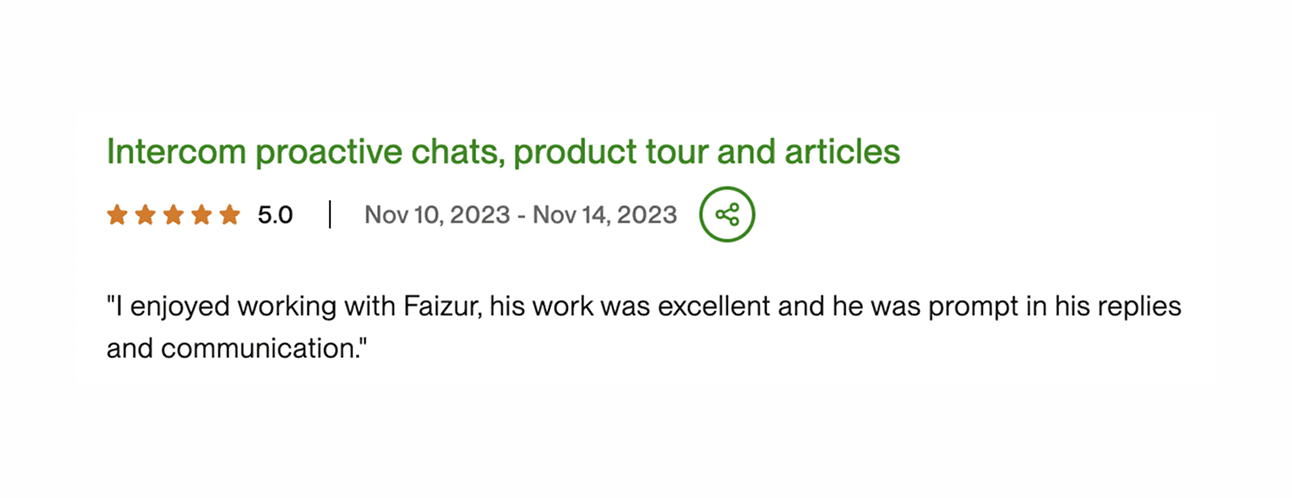
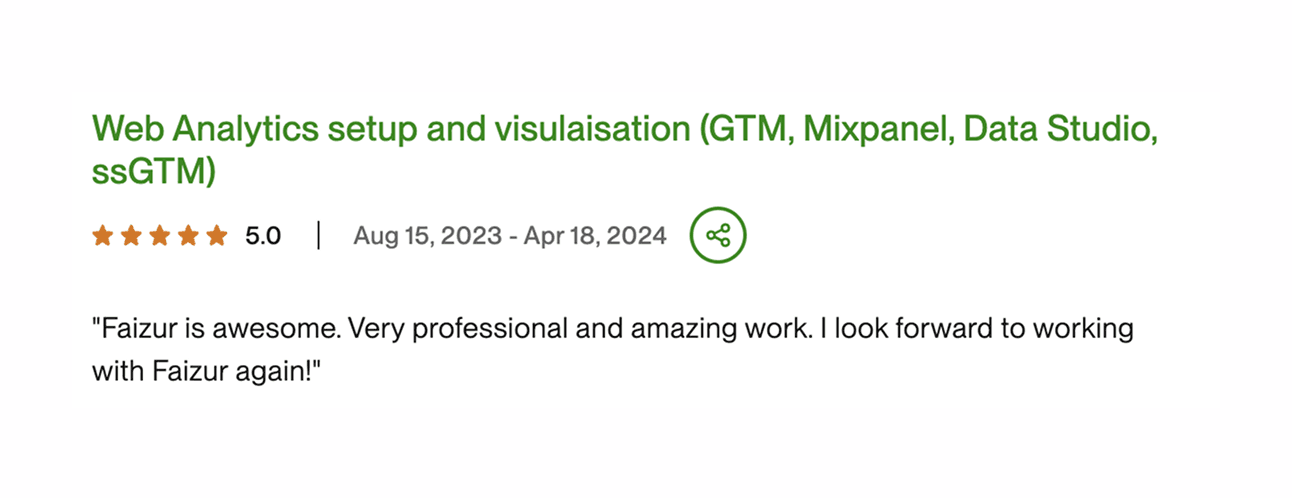
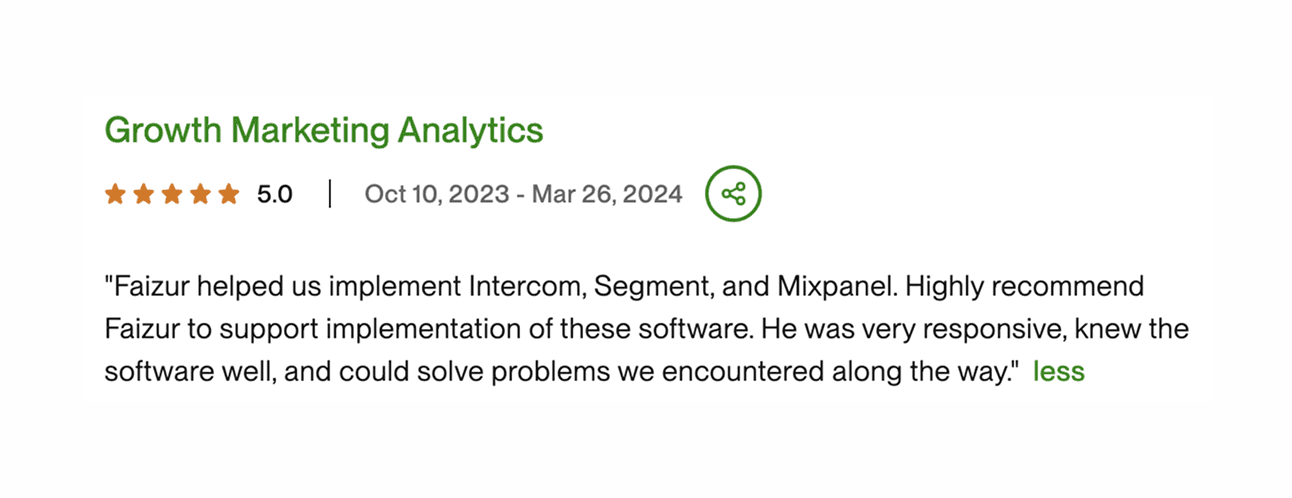
Don't take our word for it. Hear it from the founders who handed us their stack.
JB Jaquenzel
Founder and CEO, Evaboot
“Faizur helped us transfer Google Analytics conversion events to Google Ads via Segment. We set that up within two or three weeks. Now we have a clear vision of our conversions and we could optimize our campaigns like this. Because if your tracking is not on point, you can't really improve your Google Ads performance.”
GA4 SegmentGoogle Ads
Elie
CMO, Submagic
“We have worked with Faizur and his agency for the past six months to set up all the growth stack that we needed. All the marketing analytics tools like Mixpanel, Google Analytics, data tracking tool, customer analysis tool like Customer.io, and every kind of tool that we needed. He's always ready to help and super reactive. I highly recommend to work with him.”
 Mixpanel
 Customer.ioGA4
Arman Assadi
CEO, Steno.ai
“We worked with Faizur when we wanted to set up Mixpanel. What I loved was how detail-oriented he was, and that he wasn't just there to accomplish that one task. He was able to advise us. He suggested setting up Segment and he thought about everything at a macro level, all the way down to the micro. It gave me confidence to outsource this.”
MixpanelSegmentGabriel
Operations, MKTV
“We recently had the pleasure of working with Faiz on our integration of Segment. Not only did he help us seamlessly set up the integration, but he also went above and beyond to help us establish dashboards in Mixpanel. What was super valuable was having somebody who understood both the business/marketing requirements but also had the technical expertise to execute them.”
SegmentMixpanelJB Jaquenzel
Founder and CEO, Evaboot
“Faizur helped us transfer Google Analytics conversion events to Google Ads via Segment. We set that up within two or three weeks. Now we have a clear vision of our conversions and we could optimize our campaigns like this. Because if your tracking is not on point, you can't really improve your Google Ads performance.”
GA4SegmentGoogle AdsElie
CMO, Submagic
“We have worked with Faizur and his agency for the past six months to set up all the growth stack that we needed. All the marketing analytics tools like Mixpanel, Google Analytics, data tracking tool, customer analysis tool like Customer.io, and every kind of tool that we needed. He's always ready to help and super reactive. I highly recommend to work with him.”
MixpanelCustomer.ioGA4Arman Assadi
CEO, Steno.ai
“We worked with Faizur when we wanted to set up Mixpanel. What I loved was how detail-oriented he was, and that he wasn't just there to accomplish that one task. He was able to advise us. He suggested setting up Segment and he thought about everything at a macro level, all the way down to the micro. It gave me confidence to outsource this.”
MixpanelSegmentGabriel
Operations, MKTV
“We recently had the pleasure of working with Faiz on our integration of Segment. Not only did he help us seamlessly set up the integration, but he also went above and beyond to help us establish dashboards in Mixpanel. What was super valuable was having somebody who understood both the business/marketing requirements but also had the technical expertise to execute them.”
SegmentMixpanelJB Jaquenzel
Founder and CEO, Evaboot
“Faizur helped us transfer Google Analytics conversion events to Google Ads via Segment. We set that up within two or three weeks. Now we have a clear vision of our conversions and we could optimize our campaigns like this. Because if your tracking is not on point, you can't really improve your Google Ads performance.”
GA4SegmentGoogle AdsElie
CMO, Submagic
“We have worked with Faizur and his agency for the past six months to set up all the growth stack that we needed. All the marketing analytics tools like Mixpanel, Google Analytics, data tracking tool, customer analysis tool like Customer.io, and every kind of tool that we needed. He's always ready to help and super reactive. I highly recommend to work with him.”
MixpanelCustomer.ioGA4Arman Assadi
CEO, Steno.ai
“We worked with Faizur when we wanted to set up Mixpanel. What I loved was how detail-oriented he was, and that he wasn't just there to accomplish that one task. He was able to advise us. He suggested setting up Segment and he thought about everything at a macro level, all the way down to the micro. It gave me confidence to outsource this.”
MixpanelSegmentGabriel
Operations, MKTV
“We recently had the pleasure of working with Faiz on our integration of Segment. Not only did he help us seamlessly set up the integration, but he also went above and beyond to help us establish dashboards in Mixpanel. What was super valuable was having somebody who understood both the business/marketing requirements but also had the technical expertise to execute them.”
SegmentMixpanel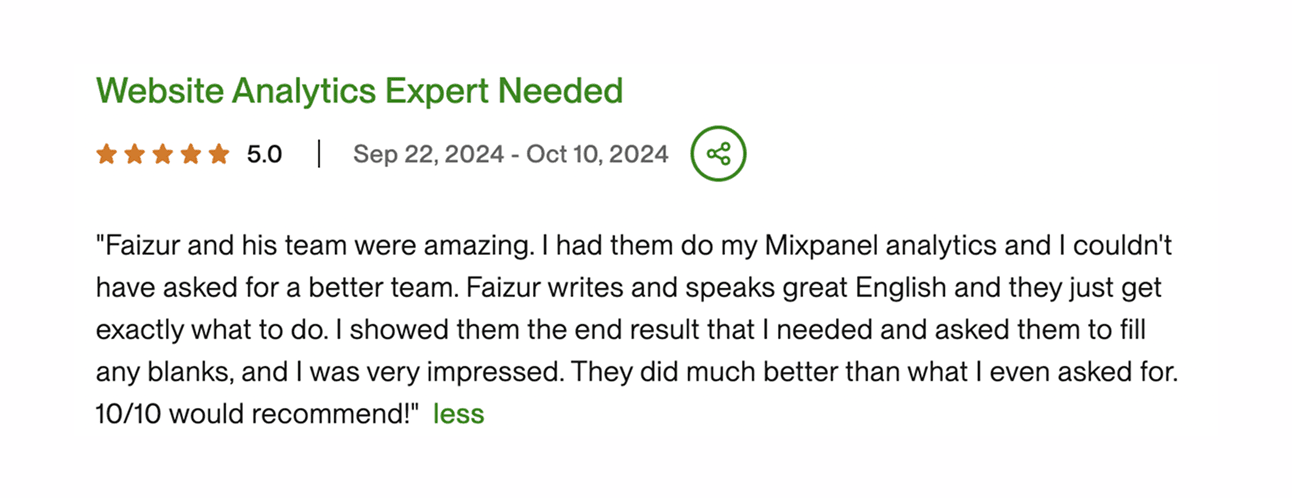
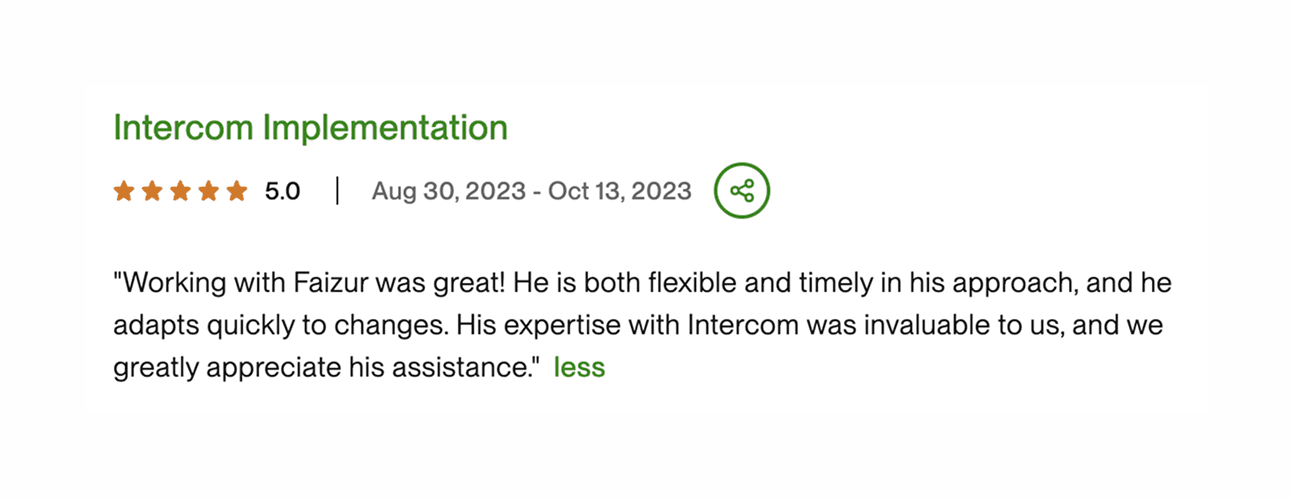
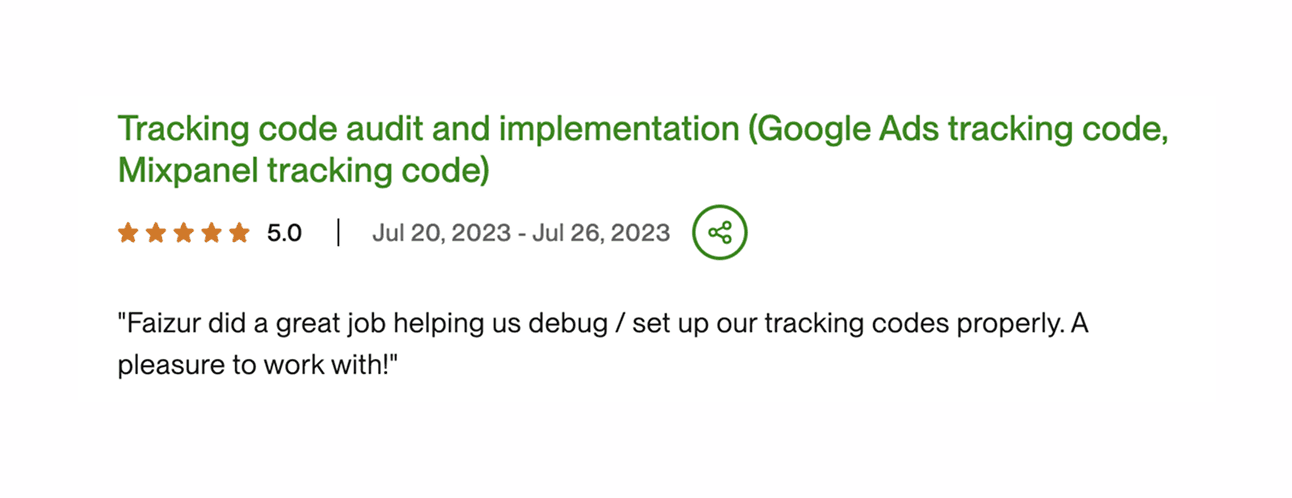
Tracking setup at a fixed price
You know the price, the scope and the timeline before we start.
Fixed price, no hourly billing
One price for the whole project, agreed before we start. No timesheets and no surprise invoices.
Your quote in one business day
Tell us your stack and what you need. You get the price, scope and timeline by email, usually within one business day.
Live in weeks, not quarters
Most projects are live within a few weeks, and the timeline is written into your quote.
Free tracking audit
A 30-minute call on your stack: where it hurts, the quick wins, and what to fix first. No obligation.
Book a free tracking audit
Startups get 50% off
Same specialists and the same fixed-price quote, at half the price. Tell us your stack and the 50% discount is applied to your quote.
- Fixed price, no hourly billing
- Live in weeks, not quarters
- Specialists, not generalists
Analytics and tracking questions, answered
Something else on your mind? Email hello@martechdevs.com or book a free tracking audit.
Should we use server-side GTM or browser tracking?
Usually both. Browser tags still collect most events, and a server-side GTM container on your own subdomain forwards them to GA4, Google Ads and Meta. It holds up better against ad blockers and browser cookie limits, controls exactly what each vendor receives, and can add data from your backend before sending. For a small site with simple goals, a clean browser setup can be enough. We'll tell you which you need.
What is Consent Mode v2, and will it cost us conversions?
Consent Mode v2 tells Google's tags what each visitor agreed to, including the two newer signals, ad_user_data and ad_personalization. Google needs these signals for visitors in Europe to keep remarketing and conversion measurement working there. In advanced mode, visitors who decline still send cookieless pings, and Google models the conversions you would otherwise lose. We connect it to your consent banner and test both paths.
Why don't our Google Ads conversions match GA4 or our CRM?
They count different things. Google Ads credits conversions to the date of the ad click, GA4 uses its own attribution and the date of the event, and your CRM counts the leads it actually received. Missing or duplicate tags, consent and ad blockers widen the gap. We fix the tracking first, then line up the definitions so you know why each number differs.
Can you fix our Google Ads and Meta conversion tracking?
Yes. We audit what fires today, fix or rebuild the tags in Google Tag Manager, set up enhanced conversions for Google Ads and the Meta Conversions API, and pass the right values and event IDs so each conversion is counted once.
What is the Meta (Facebook) Conversions API, and do we need it?
The Conversions API (CAPI) sends conversion events to Meta from a server as well as from the browser pixel. The pixel alone loses events to ad blockers and browser limits, and CAPI fills those gaps. We set it up through server-side GTM or your backend, deduplicated against the pixel so nothing is counted twice.
How do you check the tracking is accurate?
We test every event before go-live: in GTM preview and Tag Assistant, in GA4 DebugView, with Meta's test events, and with real test conversions in Google Ads. We check values, parameters and consent behavior, then compare the numbers across tools after launch.
Can AI tools read our GA4 and Tag Manager data?
Yes. We connect GA4 and Google Tag Manager to Claude, Codex or your own agents through MCP, so your team can ask about traffic, conversions and tags in plain English. The answers are only as good as the tracking, which is why we fix that first. Every implementation also includes our martech AI agent.
Do you build Looker Studio dashboards?
Yes. Once the data is right, we build Looker Studio dashboards on GA4, Google Ads and your other sources, so your team works from one set of numbers.
What does the free tracking audit cover?
It's a 30-minute call. We look at your GA4 property, your GTM container, which conversions fire and which don't, and your consent setup, then agree what to fix first, with a timeline and next steps. There's no obligation.
Get a fixed-price quote for your analytics and tracking setup
Three quick steps, under a minute. Price, scope and timeline by email, usually within one business day.
Startup?
Analytics & tracking guides from our blog
Read all guides- Tracking & Attribution
GA4 Measurement Protocol: Send Server Events With the Right Context
Send useful GA4 server events with correct identity, timestamps, consent and validation. Understand session attribution deadlines and reconcile eligible outcomes.
Jafrin Akter Alo10 min read
- Martech AI
Meta Ads MCP server: connect your account and keep campaign changes under control
Connect Meta Ads through its official MCP server. Understand access, reporting limits and the checks needed before an AI workflow changes live campaigns.
Jafrin Akter Alo10 min read
- Martech AI
Google Ads MCP server: setup, access changes and useful reporting workflows
Set up Google's read-only Ads MCP server using current Cloud project access. Includes reporting prompts, a GAQL example and campaign validation checks.
Jafrin Akter Alo9 min read
Book a Free Audit
A free audit of your stack and what it needs. No pitch.
Thirty minutes, and you leave with a plan
We look at what you have, what it is costing you and what to do about it first.
- 30 minutes
- Video call, link on booking
- No obligation
What we'll cover
- Your current stack and where it hurts
- Quick wins we can ship first
- An integration roadmap
- Timeline, scope and next steps
Calendar not loading? Open it in a new tab or email hello@martechdevs.com.